Written by Jeremy Souffir Founder, JTS Tech Services

Every growing company hits the same wall. The spreadsheet stops working. Someone suggests a CRM. Within a week you are comparing Salesforce, HubSpot, Pipedrive, and four others, each with a pricing page designed to make comparison impossible. You pick one, pay for it, and six months later half your team is working around it instead of through it.
The build-or-buy question for CRM is not really about software. It is about whether the way your business operates is standard enough that a packaged tool will fit, or specific enough that forcing a fit will cost you more than building the right thing from scratch.
Where off-the-shelf CRMs earn their keep
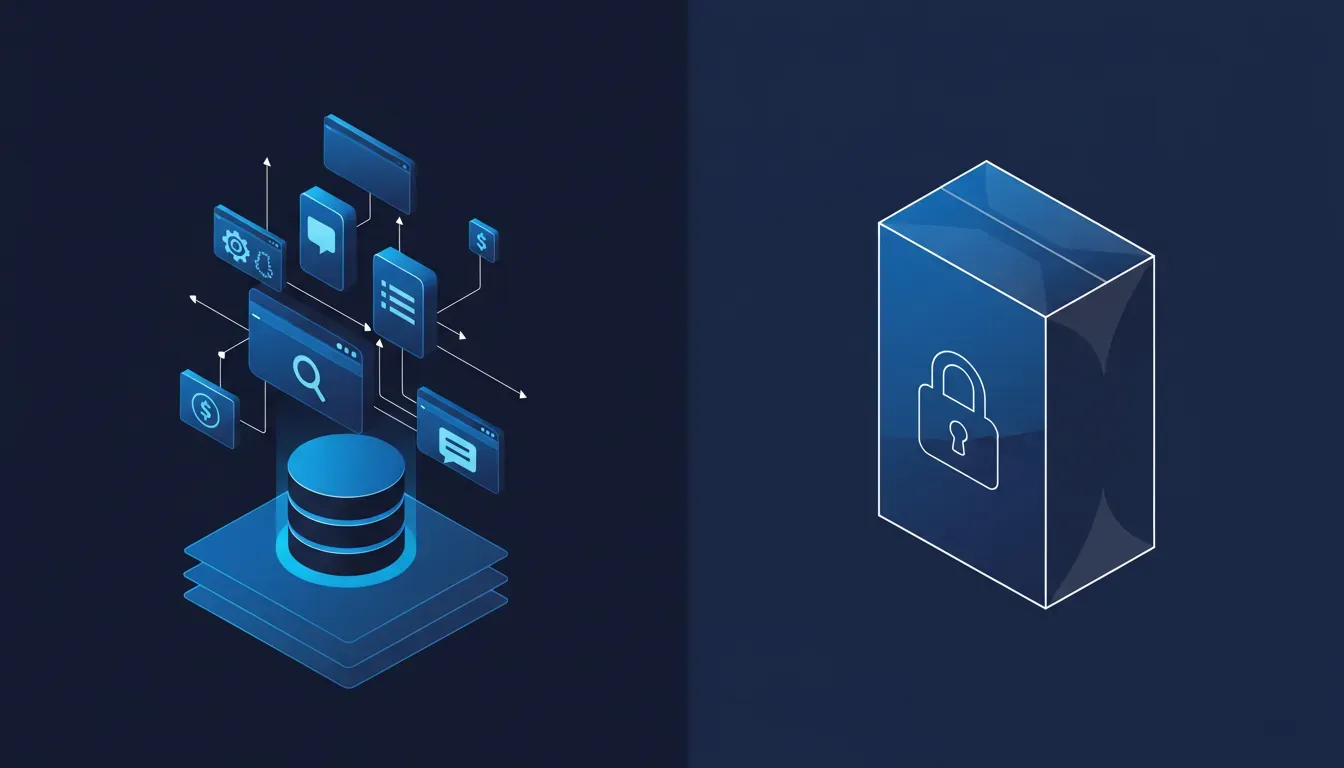
Most established CRM platforms are genuinely good at the core sales pipeline: contacts, deals, activities, email integration, and reporting. If your sales cycle looks like what Salesforce was designed for — a rep owns an account, progresses it through stages, closes it — then a SaaS CRM makes perfect sense. The setup time is short, the onboarding resources are solid, and you get a decade of bug fixes and integrations out of the box.
- You have a conventional B2B or B2C sales motion with distinct stages
- Your team is small enough that you can shape behaviour to match the tool
- You need deep integrations with common platforms (Gmail, Outlook, Slack, Zapier)
- You want dashboards and forecasting without building them from scratch
- Budget is constrained and time-to-value matters more than perfect fit
The trap is buying a CRM for its feature list and then never using 80 percent of it. Most companies use four or five core CRM features. If those four or five are available in a mid-tier plan, you are probably fine. The problem is when a platform prices its plan structure to force you up-tier for the one feature you actually need.
The signals that point toward a custom build
Some business models do not fit the standard contact-deal-pipeline schema. Field service companies, professional services firms with complex retainer structures, manufacturers managing distributor networks, SaaS companies tracking product usage alongside sales data — these are all cases where bending a packaged CRM into shape costs real money in configuration, workarounds, and ongoing frustration.
- Your sales objects do not map cleanly to contacts and deals (projects, assets, locations, sites)
- Your pipeline involves non-linear stages or parallel tracks
- You need tight integration with proprietary internal systems (ERP, job management, billing)
- Reporting needs are unique enough that you would spend months building custom fields and calculated properties
- You have tried two or three CRMs and found the same gaps each time
The most expensive CRM is the one your team quietly works around.
What a custom CRM actually costs
The build option scares people because the upfront cost is visible. A SaaS CRM feels cheap at $50 a seat per month until you multiply it across a team, add the integration tools, and account for the consultant you hired to configure it. Custom software has a real upfront cost, but it eliminates the ongoing licence fees, the configuration debt, and the annual renewal negotiation.
A well-scoped custom CRM is not a multi-year enterprise project. A focused build covering the specific workflows your team actually uses — maybe eight to twelve weeks — can deliver something that outperforms a packaged tool on day one, because it was built for your specific objects, your terminology, and your process. It grows when you need it to and does not charge you more for the privilege.
A practical way to make the call
Start by documenting what your CRM actually needs to do. Not a wish list — the five to ten things that would make or break adoption. Then demo two or three platforms against that list specifically. If all five requirements are met cleanly, buy. If two or three require workarounds, look harder at the long-term cost of those workarounds. If the requirements do not fit any platform without significant customisation, build.
The worst outcome is buying a platform, spending six months configuring it, realising it still does not fit, and then having to migrate. A little upfront clarity costs far less than that.