Written by Jeremy Souffir Founder, JTS Tech Services

WordPress powers a significant share of the web. That fact alone is evidence of something: the platform does enough things well enough for enough people that it keeps winning on volume. It also has genuine problems, legitimate competition, and a history that creates real migration complexity. The question is not whether WordPress is good or bad. The question is whether it is right for your specific situation.
We build on WordPress when it makes sense and recommend something else when it does not. Here is the honest version of that decision.
What WordPress still does well
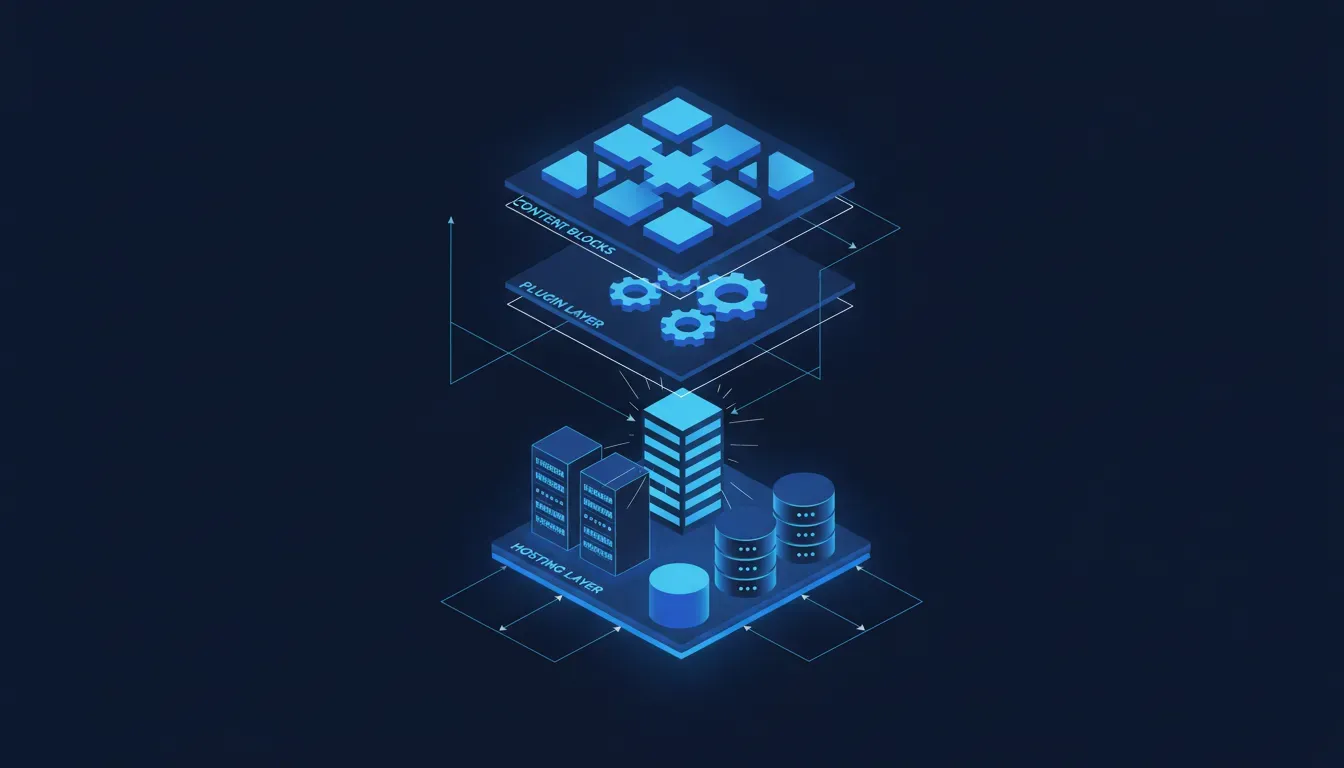
WordPress has the most mature content management ecosystem in existence. That matters practically: clients can manage their own content without developer involvement, the plugin library covers almost any feature you can think of, and the talent pool for support and maintenance is enormous. These are not glamorous advantages but they are durable ones.
- Content-heavy sites where non-technical editors need to manage pages, posts, and media
- Organisations that need a content model with custom post types, taxonomies, and flexible fields
- Projects where an extensive plugin ecosystem reduces custom development time
- Sites that need a large community of developers for long-term support and maintenance
- WooCommerce stores where deep customisation of the commerce layer is required
The Gutenberg block editor, despite a rocky rollout, is now a genuinely capable page-building experience for content editors. Coupled with Advanced Custom Fields or a similar field builder, WordPress can handle complex editorial content models that would require custom CMS development on other platforms.
Where WordPress creates problems in 2026
Security is the most persistent WordPress problem. The combination of a large attack surface, third-party plugins with inconsistent maintenance, and a massive install base that includes a lot of outdated, unpatched sites makes WordPress a common target. This does not mean WordPress sites cannot be secured — they can be — but it requires active management. If a client will not maintain their platform, WordPress security debt accumulates fast.
- Performance requires significant effort to get right — caching, image optimisation, and plugin hygiene are all manual concerns
- Plugin dependency creates fragility — a plugin update can break functionality and a discontinued plugin creates long-term risk
- The hosting requirements for a well-performing WordPress site cost more than equivalent hosting for a statically generated site
- PHP-based development feels dated compared to modern JavaScript frameworks for teams building custom functionality
- The Gutenberg full-site editing direction has created UX inconsistency between older and newer sites
WordPress is not a default — it is a choice. Make it consciously.
The alternatives that deserve serious consideration
For content-focused sites with relatively simple structure, static site generators combined with a headless CMS like Sanity or Contentful produce faster, simpler, more secure sites. There is no PHP runtime, no database to patch, no plugin ecosystem to manage. The trade-off is a more technical setup and a slightly steeper learning curve for content editors.
For e-commerce with content needs, Shopify with a rich theme or a headless frontend handles most use cases better than WooCommerce unless the commerce requirements are genuinely unusual. WooCommerce can do things Shopify cannot — complex custom checkout flows, specific payment integrations, unusual product models — but Shopify wins on reliability, security management, and total cost of ownership for straightforward stores.
How we make the call
WordPress makes the short list when the client has significant content volume, needs editorial control without developer involvement, has a large enough taxonomy or custom field structure that a simple blog platform will not hold it, or is migrating from an existing WordPress install and the migration cost of switching platforms is not justified by the benefit.
It does not make the short list for simple marketing sites, performance-critical applications, or projects where the long-term maintenance burden will fall on a non-technical team without a managed hosting and support arrangement. In those cases, a simpler platform or a modern stack serves the client better over time. The point of a CMS is to make content management easier, not to add infrastructure complexity that the content team will eventually inherit.