Written by Jeremy Souffir Founder, JTS Tech Services

The short version, and the direct answer if you read nothing else. On 29 September, at its DevDay event in San Francisco, OpenAI launched what it calls dots: always-on agents that work towards your goals around the clock. The part that matters to you is not that they are capable. It is the architecture. Each dot gets its own cloud computer and its own Chrome browser, so that nobody needs to be sitting there while it works. It connects to more than 4,000 apps. It can be given your saved passwords through a dedicated credential service. It can be given permission to use your actual laptop. It is reachable from ChatGPT, Slack and Teams, and it carries its context across all three. And when you are not talking to it, it starts background research tasks on its own initiative — OpenAI's term is proactive research — to look for other ways to help. The controls on all of this are genuinely thoughtful, and we will go through them, because this is one of the better-documented agent releases we have read. But they are configured by the person who owns the subscription, in their own settings. Dots are rolling out today to Pro and Business Premium users at no extra cost, included in the plan. Enterprise, Edu and Healthcare workspaces get a beta only when an administrator turns it on. If your organisation's answer to AI governance has been a policy that applies to your Enterprise workspace, that policy now has a hole in it the shape of a personal Pro subscription, and the hole talks to your Slack.
Whose claims these are, and what is actually established
- Everything specific here comes from OpenAI's own announcement. Two pages published on 29 September: the launch post and a separate, detailed post on how safety, security and privacy are built into dots. Both are linked at the bottom. This is a vendor describing its own product, which means the capabilities are reliable — a company does not understate what it just shipped — and the safeguards are claims about intent and implementation that nobody outside OpenAI has yet tested at scale.
- Nothing described in this post has been reported as exploited. We want to be unambiguous about that, because posts like this one get read as breach coverage and this is not that. There is no incident here. There is a new shape of system, shipped two days ago, with design characteristics worth understanding before it is widely deployed rather than after.
- The safeguards are more specific than the industry norm. OpenAI states that proactive research is restricted to read-only tools and that the restriction is enforced in code, not in a prompt: those background tasks cannot send messages to other people, change content in connected apps, or control a browser or desktop. It states that the system which reviews planned actions, Auto-review, runs outside the environments a dot can modify, so a dot cannot switch off its own checks. Those are real engineering decisions, and they are the right ones.
- The limits are also stated, which is rarer. OpenAI says plainly that dots can still make mistakes and that consequential work should always be reviewed. It notes that the credential protections apply specifically to secure sign-in and saved-password flows, and that a secret sitting in an ordinary readable message or document may still be visible to the model. It notes that disconnecting an app stops new information flowing through that connection, but that whatever the dot has already learned stays in its context. Read those three sentences twice; they are the honest edges of the design.
- What is not established is organisational behaviour. Nobody knows yet how many employees will connect what, or how many will connect a work Slack to a personal subscription. Any number you see this week on that is a guess. Ours included — which is why there isn't one in this post.
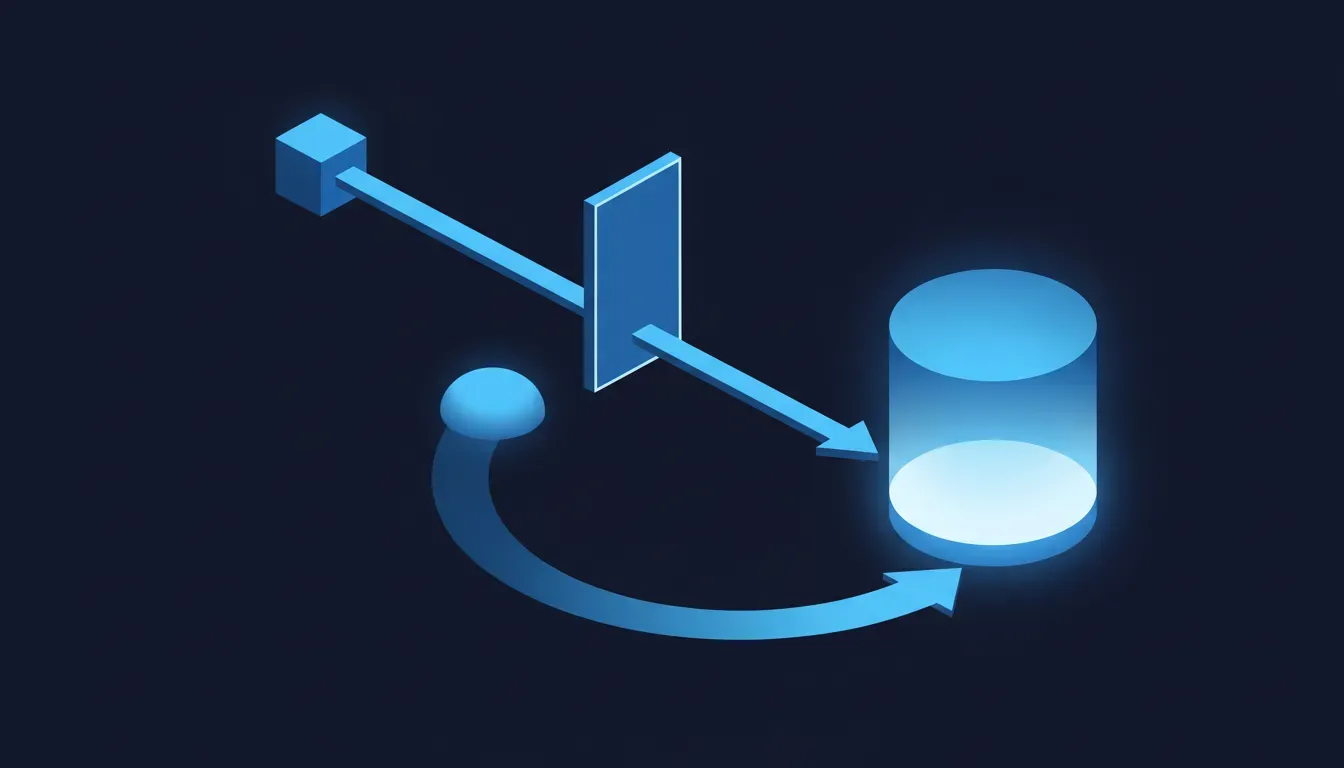
What is genuinely different about this, compared to every agent we have already written about?
We have covered agents inside your team's tools, agents with no identity inside your own stack, a meeting notetaker that nobody approved, and the gap between what somebody approved and what actually ran. Fair question: why is this another post rather than a footnote on those. The answer is that all of those assumed a human in the loop who was, at minimum, present. You opened a chat and asked for something; the agent went and did it; you were there when it came back. Latency was measured in the length of your attention span. The design premise of a dot is the inverse. It has its own computer specifically so that it can keep making progress between conversations, and OpenAI's own examples are about returning to finished work: a developer who comes back to complete pull requests with videos attached, a scientist who returns from the lab to reanalysed figures, a sales lead whose proposal has been updated while they were in customer meetings. The product is the absence of the human. That is not a worse thing than what came before, and for a lot of work it is obviously better. But it changes what you are governing from a tool somebody uses into a process that runs, and those have never been the same governance problem.
The second genuine difference is the browser. A dot does not borrow your browser session; it has its own Chrome, running on its own maintained Linux machine in OpenAI's cloud, sandboxed and isolated from other users. Everything that reaches your systems through that browser arrives as an authenticated session from a datacentre, initiated by software, at whatever hour the work happens to progress. Your edge rules, your rate limits, your fraud screening and your access logs will all see something, and what they see will not look like the employee whose credentials it holds. For a business that has spent two years tuning bot defences to distinguish humans from scrapers, a legitimate, authorised, credentialed, non-human session is a category that most of those rules were never written to express.
What can a dot do without asking?
This is the question worth getting precise about, because the honest answer is more reassuring than the headline suggests, and precision is what lets you make an actual decision rather than a nervous one. OpenAI publishes the boundaries, so here they are as a list rather than as a feeling.
- Freely, within granted permissions: read information it has access to, analyse it, prepare drafts in your conversations, browse with its own browser, create files and run tools in its sandbox. Ordinary read-only steps do not go through the extra action review at all.
- In background mode, read-only and enforced in code: proactive research gathers from permitted connected sources and writes private notes back to the dot. It cannot message anyone, change app content, or drive a browser or desktop. Any follow-up action re-enters the normal rules.
- With authorisation scoped to the recipient: sending a message or sharing a file. The sensitivity of the data determines how specific that authorisation has to be. Health data always requires a named recipient. Less sensitive personal data defaults to a class of recipient — "any airline company" — and the user can deliberately widen that to something as broad as any online form by writing a Custom Rule.
- With your approval, every time: permanently deleting data, installing or running software from an unrecognised source, granting new security-sensitive access, and making a purchase on a card you have already saved at a merchant.
- Never, by design — handed back to you: changing a password, and transferring money between financial accounts. The dot can do the work around those steps but must stop and give them to a human.
The line that deserves the most attention
Read the third bullet again, specifically the part about widening a Custom Rule. The default is conservative and well judged: less sensitive personal data can only go to a class of recipient the user has described. But the user can broaden it, and the documented example of broadening it is "share with any online form". That is not a flaw — it is a product that lets a competent adult remove a guardrail they understand. It is, however, a company-level decision being made at an individual level, by somebody who is optimising for their own convenience on a Tuesday afternoon and who has never been asked to think about your data classification. Nothing in the personal product requires them to consult anyone. That is the gap, and it is not a bug in OpenAI's design; it is the ordinary consequence of shipping a powerful tool on a consumer subscription.
Why doesn't an Enterprise plan solve this?
Partly it does, and that is worth saying first. If your organisation runs ChatGPT Business, Enterprise or Edu, your content is not used to train OpenAI's models by default, dots arrive as an admin-gated beta rather than switched on, and app permissions flow through the connections you already manage. OpenAI is also previewing specialist dots for organisations — agents with their own identity, their own credentials and scoped access to named systems of record, run as supervised enterprise pilots — and is working with Microsoft to bring those under Agent 365, the control plane Microsoft launched in May 2026 to put enterprise identity, security monitoring and data governance around agents regardless of who built them. That is the correct destination. An agent that holds credentials and acts unattended should have an identity, an owner and a lifecycle, exactly like a service account, and the industry is converging on that.
The problem is the sequencing, and sequencing is where most governance actually fails. The governed version is a preview, in pilots, with an integration still being built. The ungovernable version shipped on Tuesday, included at no extra cost, to every Pro and Business Premium subscriber in an eligible market, with a Slack and a Teams integration in the box. One of those two things is available to your staff this week. It is not the one with the control plane. And the connection point is not some exotic exfiltration path — it is an employee who has a personal Pro subscription because they are curious and conscientious, who connects it to the Slack where your work happens because that is the obvious first thing to do, and who has now created a persistent, credentialed, always-on reader of your internal conversation that exists in no inventory you maintain.
The two conclusions that both get this wrong
Ban it, and write a policy saying so
This is the reflex, it is understandable, and it has failed every single time it has been tried in this cycle. It failed with personal cloud storage, it failed with unapproved SaaS, it failed with the AI notetaker that showed up in everybody's meetings, and it will fail here faster than any of those because the thing being banned is genuinely, visibly useful and costs the employee nothing. A ban you cannot enforce is worse than no policy at all, because it converts a visible behaviour into a hidden one. The person who would have told you they connected their dot to the project Slack now does not mention it. You have traded a governable fact for a comfortable sentence in a document, and you will find out what was actually connected during an incident, from the other party's logs.
It is sandboxed and reviewed, so there is nothing to do
The opposite error, and more common among technical readers who have actually read the safety documentation and found it credible. It is credible. The sandboxing is real, the read-only enforcement on background research is in code rather than in a prompt, the action review runs where the agent cannot reach it, and password changes and money movement are reserved for humans. All true, and all about preventing the agent from doing something harmful. None of it is about whether the agent should have that access in the first place, which is your question and not OpenAI's. Auto-review checks a planned action against the user's instructions, the user's Custom Rules and OpenAI's safety requirements. Your data classification policy is not on that list. It cannot be — OpenAI has never seen it. A perfectly functioning safeguard that enforces the wrong person's intent is still working exactly as designed.
What is worth doing this week?
- Find out which plans your people are actually on. Not which plan you pay for — which ones exist. Pro and Business Premium get a dot now; Enterprise, Edu and Healthcare get a beta only if an admin enables it. Those are different populations and most organisations have both. This is a half-hour question and almost nobody has asked it.
- Decide the Enterprise switch deliberately, and soon. If you run an Enterprise, Edu or Healthcare workspace, the beta is off until an administrator turns it on. That default is a gift: it is the one moment where you get to set terms before adoption rather than after. Turning it on with scoped connections and a named owner is a far better outcome than leaving it off while staff route around you on personal subscriptions.
- Write down what may be connected, in app names. Not principles — names. Your email, your CRM, your repository, your Slack, your file store, your ticketing system, your analytics. For each one, is a persistent read-only reader acceptable, and is a write acceptable with approval. You will find two or three where the answer is obviously no and nobody had ever said so out loud.
- Settle the laptop question explicitly. A dot can be given permission to connect to and use a personal computer, with local files and installed tools, still subject to the sandbox and the action checks. On a company-managed device that is a decision for whoever owns endpoint policy, and right now it is sitting with whoever owns the laptop.
- Ask about Custom Rules in your onboarding, not your audit. The rules are where a user widens or narrows what their dot may do, and a well-written one is a genuine control. Give your people two or three you actually want — never email externally without approval; never share customer data with a recipient class, only a named person — and you will get better compliance from a suggestion they can paste than from a policy they skim.
- Treat the agent's browser as a known non-human session, not a bot to block. It will arrive authenticated, from a datacentre, at odd hours, doing legitimate work on behalf of someone real. Find out what your edge rules, rate limits and fraud screening currently do with that, because the answer today is probably either nothing or something indiscriminate, and both are wrong.
- Do not try to produce an exposure number. Somebody will ask how many dots are connected to your systems. It is not knowable from your side today unless you can see the app authorisations, and a confident guess will become a planning assumption that outlives the meeting. Saying you are finding out is a better answer.
The genuinely encouraging part
This is the first release in this entire cycle where the vendor has done the hard part of the thinking in public, and it makes your job substantially easier rather than harder. OpenAI did not ship an agent and leave the safety story to a paragraph. It published the action rules, named which steps always require confirmation, named which are permanently handed back to a human, explained where the review system runs and why it sits outside the agent's reach, stated that background research is read-only and that the restriction is in code rather than in an instruction, and said out loud that a secret in a plain document is still readable and that revoking an app does not unlearn what was already learned. You do not have to reverse-engineer any of that, which is exactly what the last two years of agent releases have required. And the work it leaves you is work you can actually do: knowing which subscriptions exist in your company, deciding which systems a standing connection may read, putting a name against each of those decisions, and making the deliberate call on a switch that is currently off. None of that needs a budget, a vendor or a project. It needs an afternoon and somebody with the authority to decide. The uncomfortable truth in this post is only uncomfortable if nobody owns the question — and that is the one variable entirely within your control.
Where we fit
The reason a change like this sits unattended is that it does not arrive as a project. There is no migration, no deprecation notice, no invoice and no deadline, so there is no ticket; and the consequences are split across owners who each have a defensible reason to think it belongs to someone else. The subscriptions sit with finance or with nobody. The Slack and Teams integrations sit with IT. The data classification sits with whoever wrote the policy two years ago. The edge rules that will meet the agent's browser sit with an agency or with a platform nobody has logged into recently. And the actual decision — what may a standing, credentialed, unattended reader connect to — sits with whichever employee clicked through the setup, because the product quite reasonably asked them and not you. That is the shape of work the AI Ops Automation Sprint exists for. We inventory every integration, scheduled job and standing connection that touches your systems, name a human owner and a credential for each, settle the admin switch and the laptop question with the people who are actually allowed to decide them, write the rules you want your staff's agents to carry, and leave monitoring behind on the paths that matter — so an unattended session doing something new shows up somewhere a person will see it. Retaining us matters here for one specific and unglamorous reason: the failure mode is silence. There is no error page when an agent reads a document it should not have, no alert when a capability ships into a plan you already pay for, and no event in any dashboard you own when an employee connects a personal subscription to a work channel in good faith. Somebody has to go and look on a schedule, and know what they are looking at. It is a short engagement rather than a retainer, because the point is to leave you holding the map and the monitoring, not a dependency on us.
Sources
- OpenAI — Introducing dots (the primary source, published 29 September 2026: always-on agents powered by GPT-6 Astra, each with its own cloud computer and its own browser, working towards goals 24/7, connecting to over 4,000 apps through plugins, reachable in ChatGPT, Slack and Teams with context carried across channels, permission to connect and use your laptop, the rollout to Pro, Business Premium and admin-enabled Enterprise in eligible markets, the first dot included at no extra cost, and the preview of specialist dots with their own identity for access management)
- OpenAI — How we build safety, security, and privacy into dots (the safety post, same date, for every specific safeguard quoted here: proactive research restricted to read-only tools and enforced in code so it cannot message people, change app content or control a browser or desktop; the dedicated encrypted credential service and the statement that a secret in a readable message or document may still be visible to the model; sandboxing and per-user isolation on a maintained Linux OS and Chrome browser; Auto-review running outside the environments dots can change; the always-confirm list and the always-hand-back list; the health-data named-recipient rule and the widening of recipient classes via Custom Rules; and that disconnecting an app stops new sharing while prior context remains)
- OpenAI — Auto-review (the documentation for the separate action-checking system, including what happens when a step is blocked and why approval cannot override core safety requirements)
- OpenAI — DevDay 2026 (the event itself: 29 September 2026 in San Francisco, with a link to everything announced)
- 9to5Google — OpenAI launches Dots, new 'always-on agents' you can assign tasks to (independent same-day reporting, for the rollout tiers, the one-dot-per-plan detail and the Slack and Teams access points)
- JTS Tech Services — Your agents are anonymous inside your own stack (the identity problem this release makes concrete, and why a credentialed agent needs an owner and a lifecycle)
- JTS Tech Services — What you approved is not what ran (on the gap between an approval and an action, which is the problem Auto-review is built to address)
- JTS Tech Services — The AI notetaker nobody approved (the last time a useful agent arrived in businesses without passing through anybody's approval, and how banning it went)