Written by Jeremy Souffir Founder, JTS Tech Services

The direct answer first. If your store runs on Shopify, go to your own domain and add /.well-known/poppy.json to the end. You will very probably find a short JSON file you have never seen, published by Shopify on your behalf some time before yesterday. It is the Personal Agent Protocol discovery file, the thing a customer's AI assistant reads when it arrives at your store to learn who you are, how to talk to you and what it is allowed to do. Sierra released version 1.0 of the protocol on 13 November, with Meta's Muse agent now looking for the file first on every site it visits and more than a hundred design partners behind it. Shopify, Sierra says, has enabled it for every merchant on the platform with no implementation needed. We checked eleven Shopify storefronts the same day and nine served the file. All nine files are the same text with the brand name swapped in. They declare protocol version 0.4, not 1.0. They point the agent at the UCP checkout endpoint your store has exposed since the summer. And they grant one single permission, described in the file itself as letting the agent prepare checkouts as the signed-in customer while the buyer completes the purchase. In October we told you that your platform would eventually decide what write access means at your store unless you decided first. Yesterday it did, and the answer it chose is narrow, sensible, and not the whole answer.
What did Sierra actually release?
- A 1.0 that calls itself a draft. Sierra's post says Personal Agent Protocol 1.0 is now available. The specification page it links to is titled draft 1.0, says it starts from 0.4, the 1.0 release candidate, and warns that it can include changes that are not backward compatible. The implementation kit says the same thing in three words: the spec is a draft. Nothing in that is unusual for a protocol five weeks old, but it means the file on your store will change under you, and the version number it carries today is the release candidate's, not the release's.
- A clear division of labour with Google's checkout protocol. In Sierra's words, UCP handles the shopping itself, finding products, filling a cart and checking out, and Poppy handles what happens before that, when an agent shows up at a store, says who it is and finds out what it is allowed to do. Shopify co-authored the commerce extension that joins the two, which lets an agent shop as a guest or sign in with the customer's account and makes it ask the customer before certain actions.
- Shopify, switched on for everyone. The exact wording: Shopify has enabled Poppy for every merchant on its platform, so every Shopify store now automatically publishes a Poppy file and merchants do not need to do any extra implementation. Shopify powers businesses in more than 175 countries, so this is the single largest deployment of any agent protocol so far, and it happened without a setting, an email or a changelog entry that we could find.
- Meta, reading it first. Poppy is now on for everyone who uses Muse, Meta's agent, which automatically looks for Poppy first on every site it visits. Muse is the agent Amazon locked out in September for signing in with customers' passwords. It now has a sanctioned front door, and your store has just been given one to match.
- Partners. Eight initial design partners last month, Meta, Genesys, Instinct, NiCE, Rocket, Shopify, Stripe and Walmart, plus sixty more named yesterday, Salesforce, Delta Air Lines, Hyatt, Wayfair, Intuit and Twilio among them, for a stated total of more than a hundred. Three companies are described as live: Mercury, Synchrony and Turkish Airlines. Still absent from the list: OpenAI, Anthropic, Google and Amazon.
Same day, other side of the counter
The same day, OpenAI launched ChatGPT Wallet, reported by CNBC on 13 November. It lets OpenAI's personal agents buy on a user's behalf with a one-time payment token issued by Visa, Mastercard or American Express, so neither the agent nor the store sees the real card number, and each purchase needs a face or fingerprint check. It is US only, adults only, Pro subscribers only, and it works, in OpenAI's description, by driving a browser on the merchant's existing website or through a plugin. So on one day the two sides of the transaction moved: the buyer's agent got a wallet and your store got a file that tells agents who they are talking to. OpenAI is not a Poppy partner, so the wallet-carrying agent will arrive at your website the ordinary way. The file is for the agents that read it, and today that means Muse.
What does the file on your store actually say?
We fetched it from Allbirds, Gymshark, Knix, Kotn, Mejuri, Frank And Oak, Herschel, Manitobah and Kit and Ace, a mix of US and Canadian brands on Shopify. Every file is the same shape and most of it is the same words. Reading it top to bottom:
- protocol_version is 0.4. Not 1.0. The spec Sierra published yesterday says 1.0 starts from 0.4, so this is the release candidate, published before the release. Expect it to tick over without your involvement.
- organization carries your store name and the hostname that served the file. Nothing else: no logo, no description. It is the name from your Shopify admin, so if that still says the legal entity or the old brand, that is what every agent will be told you are called.
- auth declares exactly one scope: dev.ucp.shopping.checkout:manage. Its description, verbatim, is that it lets the agent prepare checkouts as the signed-in customer; the buyer completes the purchase. The description goes on to tell the agent that this is usually not required to purchase because most stores allow guest checkout, that it should sign the buyer in only if the checkout demands an account or the buyer already has one, and that existing customers may get discounts and other promotions. That last clause is Shopify writing sales copy to a robot on your behalf.
- scope_hints marks that one scope as changes: irreversible and personal_data: true. The protocol requires both fields on every scope, and they are what an agent uses to decide whether to stop and ask the customer. Shopify has told every agent, correctly, that preparing a checkout in a customer's name is not something to do casually.
- agent lists one protocol: ucp, with the endpoint at /.well-known/ucp on your domain. Follow it and you reach the UCP manifest we described in September, versioned 2026-08-25, with cart, checkout, discount, fulfilment, buyer consent and order capabilities and an MCP endpoint on your myshopify.com host. Poppy is the doorman; that manifest is the shop.
- web is empty. The spec uses this section to tell an agent whether it may use your ordinary website and how to sign its browser in. Shopify has left it blank, which in the spec's defaults means the website route is not disabled but no browser sign-in endpoint is offered. In practice an agent that wants to browse your pages gets no instruction from the file at all.
- extensions declares ucp version 1 and nothing else. The commerce extension Shopify co-authored, the one that lets the agent ask the customer before acting, is referred to here only by its hook into UCP.
- What is not there: no orders:read, no orders:write, no addresses, no returns, no account. The spec's own example file lists several of those. Shopify's lists none. Every store we read also serves the companion OAuth metadata file the spec requires, so the sign-in machinery is present even though the file offers nothing to sign in for beyond checkout.
Two of eleven, and one hostname
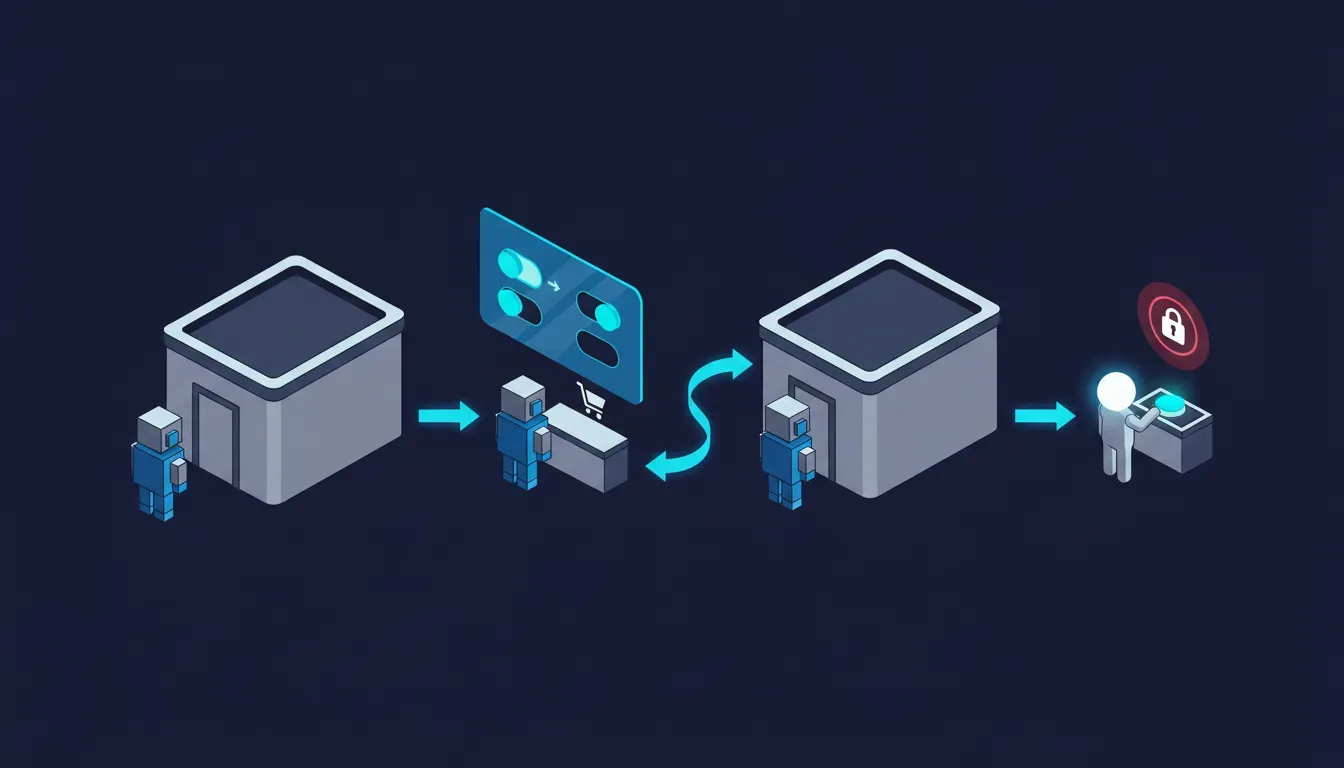
Two of the storefronts we tried returned a 404 for the file on one hostname and served it on the other. For one brand the bare domain had it and the www host did not; for another it was the reverse, a headless storefront whose bare domain is served separately. The spec requires the organization domain to match the host that served the file, so an agent that arrives on the hostname without the file simply finds no door. If your store runs a headless front end, a regional subdomain, or a redirect you set up years ago, check both hostnames. Shopify's switch-on covers the storefront it serves; it cannot cover a host it does not.
So what did Shopify decide for you?
In October the protocol offered a coarse choice, read-only or write, and we said the real question was what write would unlock at your store: a cart, an order, an address change, a saved card, a loyalty balance. The 1.0 spec quietly dropped that framing. There is no read or write bit any more. Each company defines its own scopes, usually the OAuth scopes it already has, and labels each one with whether it changes anything, whether that change can be undone, and whether it touches personal data. Shopify used that freedom to define one scope and label it honestly. The agent may prepare a checkout. It may not read order history, change an address, start a return, redeem points or touch a saved card, because no scope for any of those exists in the file, and the spec forbids a company from granting scopes an agent did not request and an agent from receiving ones that are not offered.
That is the narrow default we hoped for. It is also incomplete in a way worth naming. The actions a customer most wants an assistant to handle, where is my order, change the delivery address before it ships, start the return on the wrong size, are precisely the ones the file does not offer. A Muse user who asks their agent to check on a Shopify order gets, from this file, no route to the answer. The agent then does one of two things: it tells the customer it cannot, or it falls back to the thing the whole protocol exists to stop, signing in to your website with the customer's password from a cloud browser. Shopify's blank web section does not forbid that. Nothing in the file does. This week United wrote a contract clause to ban exactly this behaviour; the file on your store neither bans it nor replaces it.
Whose words these are, and what we could not check
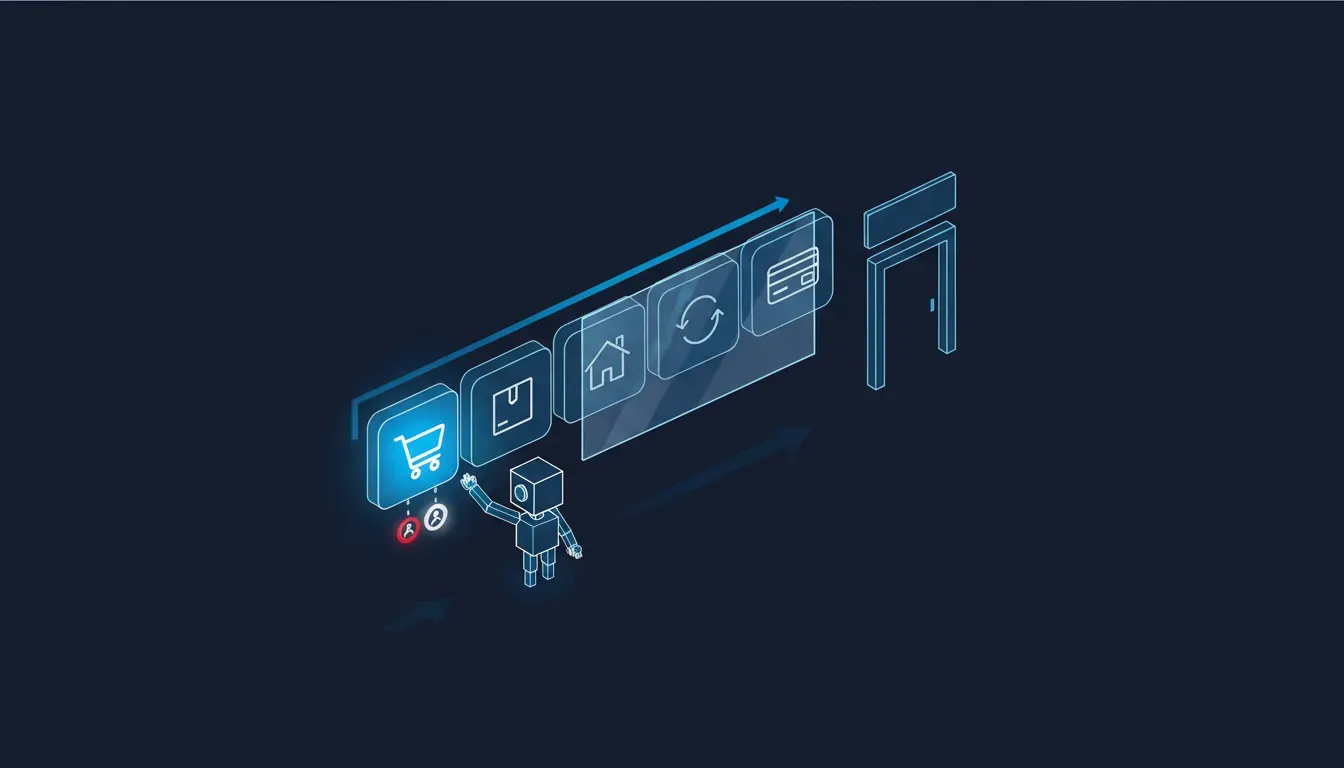
Four cautions. Everything about the release is Sierra's own account; no independent outlet we found had done more than relay it, and Shopify has published nothing in its own voice about Poppy that we could find, not a changelog entry, not a help-centre page, not a developer document. The file contents are what nine stores served us on 14 November, and Shopify may change them at any time without notice to anyone, which is rather the point of this post. We read spec sections one to five in full and the rest in summary, so the account of the web section's defaults and of the commerce extension's ask-the-customer behaviour is from Sierra's description and the spec's field table, not from testing an agent against a store. And we have no numbers for how many Muse users are reaching Shopify stores through this file; Sierra gave none, and neither has Meta.
The two conclusions that both get this wrong
Shopify handled it, so there is nothing to do
Shopify handled the part it could handle for the median store: a discovery file, one safe scope, a pointer to a checkout counter that already worked. It did not and cannot decide what your store wants an agent to be able to do about orders, addresses and returns, because those are the decisions that differ between a store selling socks and one selling made-to-order furniture. The file is a floor. It is also, today, the only thing Muse can read about you, so a floor is what Muse thinks you are: a place to build a checkout and nothing else.
It is a draft at version 0.4, so ignore it until it settles
The version number is a reason not to build against it yourself. It is not a reason to ignore it, because the file is already live, already read, and already shaping what Meta's agent does when it reaches your store. The spec and the file will change. The questions underneath them, what a guest agent may learn, what a signed-in one may do, which actions need the customer back in the loop, are the same questions in every draft, and they are the slow part. A store that has answered them on one page can configure any version in an afternoon.
The encouraging part
Five weeks ago this protocol was a press release and we said nobody could tell you what it would look like on the wire. Today you can read it on your own domain, and what it says is the thing we would have asked a platform to say first: here is who we are, here is the one counter you may use, it is irreversible and personal so ask before you use it, and the buyer pays. The borrowed-password problem is not solved by this file. But for the first time, a customer's agent arriving at a Shopify store is told the truth about where the door is, and that door does not go through the customer's account.
What to do this week
- Read your own file. Open yourdomain/.well-known/poppy.json in a browser. Confirm it exists, that the organization name is the one you want an agent to repeat to customers, and that the hostname matches how customers actually reach you. Check the www and bare-domain versions both, and any regional storefront.
- Follow the pointer. Open yourdomain/.well-known/ucp and read what capabilities your store advertises. That manifest is what an agent gets once the Poppy file has let it in. If it lists discount and fulfilment capabilities you have never configured, an agent will try to use them.
- Write the missing scopes down, even though you cannot publish them yet. Orders read, address change before fulfilment, return initiation, loyalty redemption, saved payment. For each, decide: fine for an agent with the customer's consent, needs the customer to confirm directly, or never through an agent. This is the list Shopify will eventually ask you to configure, or will configure for you with a default.
- Decide your answer to the password fallback. The file does not stop an agent signing in to your website as the customer. Your terms can, and yesterday's post walked through the clause. Pair the clause with your fraud rules so a sign-in that passes two-factor and then behaves like a script is flagged rather than waved through.
- Make the guest tier honest. An agent that reads your file and then your product pages is the whole funnel now. Stock, shipping times, returns windows and fit guidance in plain text on the page, not in a PDF or a pop-up, decide whether the checkout the file offers ever gets built.
- If you are on WooCommerce, nothing has been published for you. There is no file on your domain and no plugin yet that we have seen. The kit at personalagentprotocol.org includes a validator you or your developer can run; the decision list above is the same, and you will be publishing it yourself when a plugin arrives.
- Put a reminder in for the version change. The spec says 1.0 may break compatibility with 0.4. When your file's version number changes, re-read it. That is a thirty-second check and it is the only notice you will get.
Why this is worth getting help with
The reason to have someone own this rather than glance at the file once is that the file is only the first thing an agent reads. It sends the agent to your UCP manifest, and the manifest sends it to your product data, your policies, your shipping rules and your checkout, and every one of those is where a sale is made or lost in an agent conversation your analytics will never show you. Our AI Shopping Visibility work starts from exactly that chain: we read what your store tells agents at each step, from the discovery file to the last product fact, and fix the gaps in the order an agent meets them. We confirm the file exists on every hostname you trade on and that the name and pointer are right. We audit the UCP manifest against what you actually offer. We put stock, shipping, returns and fit facts where a guest agent can read them, and we monitor those surfaces with CortexGuard so that the day Shopify changes the file's version, scopes or defaults, you hear it from us and not from a customer whose assistant could not complete an order. Retaining us for this is worth it for a plain reason: yesterday, without asking, your platform wrote the first thing every personal agent will ever read about your store, and it will keep rewriting it. Someone should be reading it back.
Sources
- Sierra: Releasing Personal Agent Protocol 1.0 (13 November 2026; the primary announcement, including the Shopify enablement wording, the Muse behaviour, the UCP division of labour, the commerce extension and the partner list)
- Personal Agent Protocol: Specification, draft 1.0 (the MUST publish at /.well-known/poppy.json requirement, the poppy.json field table, company-defined scopes and scope hints, the release-candidate note and the compatibility warning)
- Personal Agent Protocol: Implementation kit for companies (the validator and the draft caveat)
- Allbirds: /.well-known/poppy.json and /.well-known/ucp (one of the nine live files we read on 14 November 2026, and the UCP manifest it points to; the other eight are at the same paths on gymshark.com, knix.com, kotn.com, www.mejuri.com, www.frankandoak.com, www.herschel.com, www.manitobah.ca and www.kitandace.com)
- Universal Commerce Protocol: ucp.dev (the checkout protocol the file points at)
- CNBC: OpenAI launches ChatGPT Wallet, allowing its 'dots' AI agents to make purchases for users (Ashley Capoot, 13 November 2026; the card networks, the one-time payment token, the US Pro-only launch and the early-days quotations)
- JTS Tech: The agent gets its own sign-in (7 October 2026; the proposal, and the write-access question this post answers)
- JTS Tech: No agents is now a contract clause (13 November 2026; United, Wells Fargo and the terms clause that bans credential-borrowing)
- JTS Tech: Your Shopify store is already an agent API (29 September 2026; the UCP manifest the file points to)
- JTS Tech: The shopping agent is logging in as your customer (22 September 2026; Amazon locking Muse out)