Written by Jeremy Souffir Founder, JTS Tech Services

The short version. On 24 September AudioEye published a study that ran 1,560 independent AI agents, built on six commercial models, through 13 everyday tasks on six websites. Each site was tested twice, once with accessibility problems fixed and once without, and accessibility was the only thing that differed between the two versions. On the accessible builds the agents completed 96% of their tasks. On the least accessible one they completed 31%. That is a drop of roughly two thirds, and it applied to every model tested, including the most capable ones. The agents that did finish paid for it in compute: the median run consumed about 43% more tokens without the accessibility fixes, and in the worst cases six times as many. If you sell anything online and you have been wondering what practical work makes you legible to AI shopping assistants, this is the least fashionable and possibly the highest-leverage answer anyone has published this year.
What did the study actually measure?
The design is simple enough to explain in a paragraph, which is part of why it is persuasive. Take a real site. Produce two versions that differ only in whether accessibility defects are present. Give an agent an ordinary job on each: find this, compare that, get to checkout. Repeat every task ten times, across six different models, and count what finished.
- The headline gap is 96% versus 31%. Those are task completion rates on the accessible and the least accessible versions respectively, and the study frames it as a drop of up to 68%. Both numbers come from the same site, so this is not a comparison between a good site and a bad one, it is the same site with and without its defects fixed.
- It held for every model, not just the weak ones. The study is explicit that the most advanced models tested were not able to reason their way past the problem. A better model reads a broken tree slightly more gamely; it does not reconstruct information that is not exposed anywhere.
- There is a compute cost even when the agent succeeds. The median run used about 43% more tokens on the inaccessible version, roughly 128,000 against 90,000, and every model used at least twice as many on the worst site. AudioEye calls this the compute tax. For anyone running their own agents against suppliers or competitors, that is a line item.
- One barrier stopped everything. A task required numbers that appeared only inside an image, and that image had no text alternative in the code. Six models attempted it ten times each. All 60 attempts failed. Not degraded, not slower. Zero.
- The scoring was checked against an outside tool. Results were verified with WebJudge, an open-source evaluation system from Ohio State University's NLP group, which agreed with AudioEye's own scoring 95% of the time.
- The tasks were transaction-shaped. The sites skewed to retail, travel and e-commerce, plus one W3C demonstration site, and the jobs were the kind a customer delegates: locate a product, compare options, complete a form, reach a checkout.
Whose study this is, and the conflict you should price in
AudioEye is an accessibility remediation company. This is a vendor study measuring the value of the thing the vendor sells, published with a chief executive quote, Kelly Georgevich, saying that AI readiness will require an accessibility solution and not just compliance. That is a sales argument as well as a finding, and you should read it as both. It is also six websites and 13 tasks, which is a controlled experiment rather than a survey of the web, and it has not been peer reviewed. What keeps it credible is the shape of the design: same site, one variable, repeated runs, and an independent scorer agreeing with the marking. The mechanism it describes is also not AudioEye's claim to make or lose. That agents read the accessibility tree is documented by the people who build the agents, which is the part of this you can verify yourself in an afternoon without taking anyone's word for it. Treat the 68% as a well-constructed demonstration of a real effect rather than as the number your site would score.
Why does the accessibility tree decide any of this?
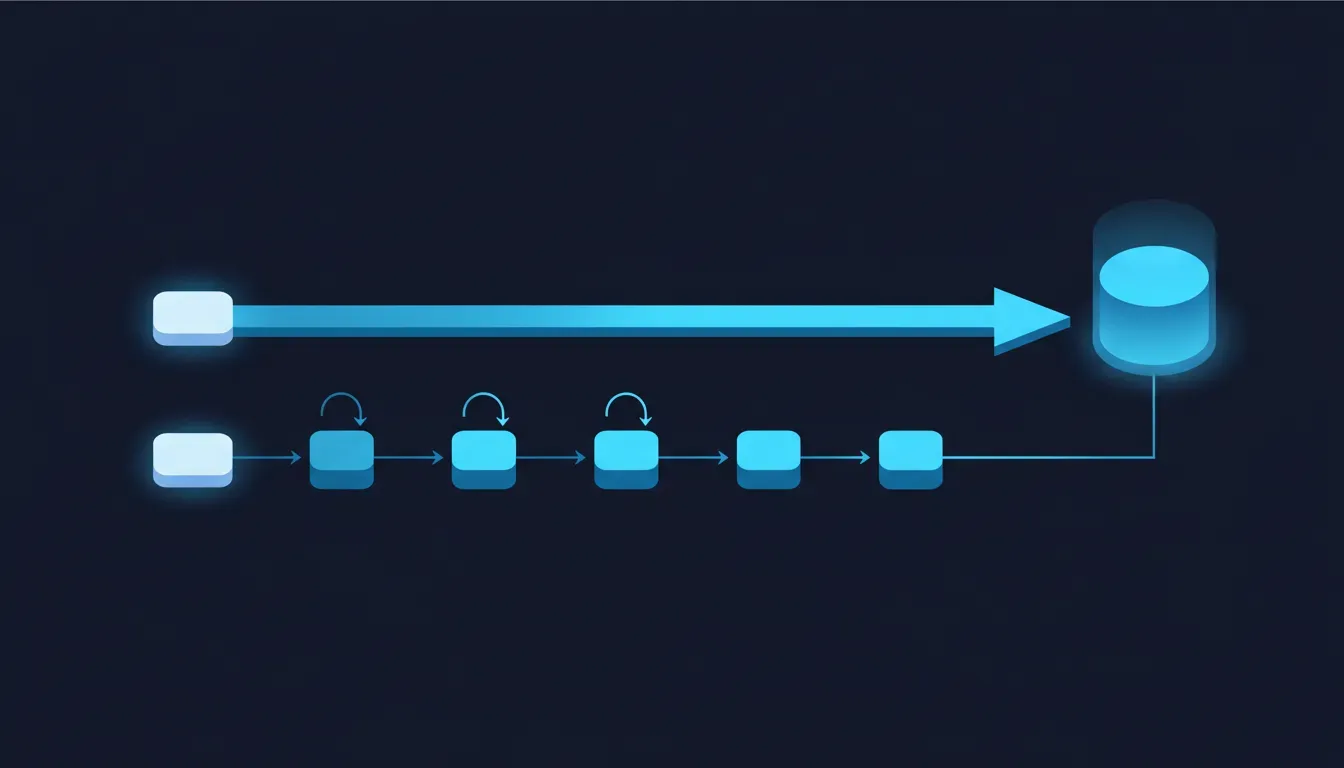
Because an agent does not see your website. This is the thing that trips up most conversations about AI and web design, because we all picture the machine looking at the page the way we do. It mostly does not. Your browser builds two things from your markup: the visual rendering that a person looks at, and the accessibility tree, a stripped-down structural model that says what every element is, what it is called, and what state it is in. A button is a button with a name. A link has a destination and a label. A form field is tied to the text that describes it. No colours, no layout, no brand. That tree exists because screen readers have needed it for two decades, and it turns out to be exactly what a software agent needs too, for the same reason: it is the version of the page that says what things are rather than what they look like.
So the agent frameworks use it. Microsoft's Playwright MCP, which sits under a large share of agent browsing today, works from accessibility snapshots rather than screenshots and says plainly that this is better than pixels. OpenAI has directed developers toward ARIA roles and labels, the same ones that serve assistive technology, for interpreting page structure. Reading the tree is cheaper and steadier than parsing raw HTML or reasoning over an image, so it is what production systems default to, with screenshots layered on top when the tree fails them. Which means the failure mode is inherited whole: a control with no accessible name is not a mystery button to an agent, it is not a button at all. It is nothing. There is no visual fallback for information that was never exposed, which is precisely why sixty out of sixty attempts failed on numbers locked inside an unlabelled image.

Why is this getting worse rather than better?
Here is the part that should bother anyone planning for agent traffic. The WebAIM Million, an independent annual survey of a million home pages that has been running for years, found in its 2026 analysis that accessibility regressed for the first time after six consecutive years of slow improvement. We read that report directly rather than through the coverage, and the numbers are not marginal.
- 95.9% of home pages had detected WCAG failures, up from 94.8% the year before, with an average of 56.1 errors per page against 51 the year before, a 10.1% increase.
- 53.1% of pages were missing image alt text and 51% had form fields with no label. Those two categories alone cover the exact failure that produced the 60 out of 60 result in the AudioEye study, and they describe roughly half the web.
- 46.3% had empty links and 30.6% had empty buttons. An empty control is the worst case for an agent, because it is visibly there and functionally invisible: the tree reports a thing with no name, so there is nothing to decide with.
- Pages are getting heavier. Elements per home page rose 14.3% in a single year, which means more controls, more state, more opportunities for something to go unnamed.
- The counterintuitive one: ARIA usage grew 27% in a year, and pages using ARIA averaged 59.1 errors against 42 on pages without it. The tool meant to repair the tree is, in aggregate, associated with more broken trees, because it is being applied to patch up markup that should have been written as native HTML in the first place.
- WebAIM attributes the decline to heavier reliance on third-party frameworks and on AI-assisted coding. Generated markup that looks right and renders correctly can be semantically empty, and nothing in the visual result tells you.
Put those two studies next to each other and the trend lines are pointing in opposite directions. The share of web traffic that is automated keeps climbing, and the machine-readable layer those visitors depend on is degrading, in part because of the same AI tooling that is generating the traffic. That is an unusually direct collision, and almost nobody is managing it, because accessibility sits with compliance and agent readiness sits with marketing, and neither team thinks the other's problem is theirs.
The two conclusions that both get this wrong
The first wrong conclusion is that this is a compliance story with a new marketing justification stapled to it, so it can go in the queue behind the accessibility audit you have been deferring since the AODA deadline. That misreads what changed. Compliance is a legal risk that arrives on someone else's timetable, which is why it has been so easy to postpone. This is a revenue path that fails silently today, with no complaint, no ticket and no bounce you would recognise, because the customer never knew the errand failed and the agent never told anyone. The second wrong conclusion is the mirror image, and it is the one we expect from people who have been reading about AI search all year: bolt ARIA attributes onto everything and declare the site agent-ready. WebAIM's own data says pages with ARIA average more errors, not fewer. ARIA is a way to tell the tree something the native markup could not, and the first rule of it is not to use it when a real button or a real label would do. Sprayed across a page of styled divs it produces a tree that is confidently wrong, which is worse for an agent than one that is honestly empty. The real answer is duller than either: write the markup properly, then go and look at what the tree actually says.
What would we actually check?
- Read your own accessibility tree on the pages that carry money. Browser DevTools shows it, and Playwright will print an ARIA snapshot of any page. Start with the product page, the cart and the checkout. You are not auditing for a score, you are asking one question: can you tell, from the tree alone, what every control does and what every value is?
- Find the controls with no accessible name. Empty buttons and empty links are the highest-yield defect on this list, because they are the ones that render perfectly and expose nothing. Icon-only buttons are the usual culprit: the cart icon, the close X, the quantity stepper, the filter toggle.
- Hunt for facts that exist only inside an image. Prices in a promotional banner, specifications in a spec sheet graphic, delivery cut-offs in a designed tile, sizing in a chart image. This is the failure that scored zero out of sixty. If a number matters commercially and lives only in pixels, it is invisible to every assistant that will ever be asked about it.
- Label every form field properly, especially in checkout. A field tied to its label is a field an agent can fill. A placeholder is not a label, and a visual caption sitting next to an input is not a label unless the markup says so.
- Prefer native elements to styled divs with ARIA patched on. A real button, a real link, a real label. This is the single change that improves the tree, reduces the error count and removes work, rather than adding a layer that has to be maintained.
- Check that critical content is server-rendered. Content that only appears after JavaScript runs is a coin flip depending on which agent arrives and how patient it is. Prices, stock status and specifications should be in the document.
- Test with an agent, not just a checker. Automated accessibility scanners find missing attributes, which is useful and not the same thing. Point a browsing agent at your site and give it a real errand: find this product in this size, get it to the cart, tell me the delivery date. Watch where it stalls. That is the test that matches what your customers are about to do.
- Fix in revenue order. Nobody needs a perfect score. The checkout, the product page and the search and filter controls carry the orders; the blog archive does not. Accessibility programmes stall because they are scoped as the whole site at once, and this version does not have to be.
The genuinely encouraging part
This may be the cheapest item on any AI readiness list, and it is certainly the most settled. There is no protocol to adopt, no standard still being argued over, no vendor to wait for, and no platform that has to ship something first. The rules were written twenty years ago, they are stable, they are free to read, and every tool you need to check your own work is already in your browser. That is a remarkable position compared with almost everything else we write about here, where the ground moves monthly. There is a second thing worth saying plainly. This is the rare case where the commercially motivated work and the decent thing to do are the same work, done once. Fixing an unlabelled checkout button so a shopping agent can complete an order also fixes it for the customer using a screen reader, who has been unable to buy from you the entire time and mostly did not write in to say so. You do not have to choose which reason to put in the business case. Both are true, the fix is identical, and it is a good week when that happens.
Where we fit
The reason this one goes unfixed is not that it is hard, it is that it has no owner. Accessibility lives with whoever handles compliance, and gets scoped as a legal exercise with a certificate at the end. AI visibility lives with marketing, and gets scoped as structured data and feeds. Nobody owns the sentence that joins them, which is that they are the same layer viewed from two angles, and so the defect that costs you orders sits in a backlog labelled as a risk item for a deadline that has not arrived. That seam is what our AI Shopping Visibility work is built around. We read your site and your catalog the way an assistant does rather than the way a scanner does: we take the accessibility tree of the pages that carry revenue, find the controls with no name and the facts that exist only inside images, run real browsing agents through the errands your customers actually delegate, and hand back the defects in the order they cost you money, with the markup change for each one. It is the same pass that tells you what ChatGPT, Gemini, Copilot and Perplexity currently say about your products, because the two questions have turned out to have one answer. If you have been meaning to get to accessibility and separately meaning to get to AI readiness, the useful news is that you have one job, not two.
Sources
- PR Newswire — AudioEye study finds up to 68% drop in AI agent task completion on inaccessible websites (the 24 September release: 1,560 agents, six models, six sites, 13 tasks repeated ten times, the 96% and 31% completion rates, the 90,000 against 128,000 median token figures, the 60 failed attempts on image-only numbers, and the WebJudge verification)
- WebAIM — The WebAIM Million: an annual accessibility analysis of the top 1,000,000 home pages (read directly for the 2026 figures: 95.9% of pages with WCAG failures, 56.1 errors per page, the alt text, form label, empty link and empty button rates, the 14.3% growth in elements per page, and the finding that pages using ARIA averaged 59.1 errors against 42 on pages without it)
- Search Engine Journal — The accessibility tree is how AI agents read your site and it's breaking (Slobodan Manic, June 2026, for how the agent frameworks consume the tree and what the practical remediation order looks like)
- Microsoft — Playwright MCP (the primary source for the mechanism: the server works from structured accessibility snapshots rather than pixel input, which is why tree defects break agents directly)
- MDN Web Docs — Accessibility tree (the neutral technical definition of what the browser builds and what roles, names and states mean)
- TechEdge AI — AudioEye study links web accessibility to AI agent success (independent coverage of the study, and the detail that the test sites skewed to transaction-heavy retail, travel and financial scenarios)
- MarTech Cube — AudioEye finds up to 68% drop in AI agent task completion (second independent report of the same findings)
- JTS Tech Services — What ChatGPT actually reads from your site (our August post on extraction, which noted in passing that alt text survives when most of the page does not; this is the same fact arriving from the other direction)