Written by Jeremy Souffir Founder, JTS Tech Services

The short version, and the direct answer if you read nothing else. On 2 October Apple posted a notice to developers saying it will add controls to Full Disk Access on macOS, so that the permission can only be granted with very explicit user action. Its stated reason is that some apps use it in ways that expose files, mail, messages and browsing history without the user really understanding what they agreed to, and that "as AI agents become increasingly capable and autonomous, the risks associated with this level of access will grow substantially." That is the first time a platform vendor has changed an operating-system permission specifically because of AI agents. Here is why it matters to a business rather than to Apple's developers: Full Disk Access is the one switch that turns a desktop agent from something that can see the folder you gave it into something that can read the whole machine, including the mail and messages of every person your staff correspond with. Apple has not said when the change ships or what happens to permissions that were granted before it. So the useful question this week is not what Apple will do. It is which apps on your company's Macs already have that switch on, and who decided.
What Apple actually said, and what it left out
- The announcement is short. It says some developers are using Full Disk Access in ways that put users at risk, that the access covers files, mail, messages and browsing history, that for communication apps this also compromises the privacy of the people a user talks to, and that new controls will make sure the permission is only granted with explicit user action.
- It names AI agents as the reason the risk is growing. It does not name any app. The reporting around it connects the timing to Meta's Muse desktop agent, which reportedly read a journalist's iMessages after being given Full Disk Access. Meta's position is that two things were needed for that: the system permission and a Messages connector switched on inside the app. Both are true, and the second does not make the first less important.
- Separately, reporting in the same week covered a now-patched flaw in the ChatGPT app for Mac that could have exposed stored chat data. That one was a bug rather than a permission choice, but it is the reminder that an app holding broad access is only as safe as its least careful release.
- There is no date. Apple has not said which macOS version carries the change, what the new consent flow looks like, or whether existing grants will be re-prompted, kept or revoked. Anyone telling you this week that the problem fixes itself on update day is guessing.
- We are describing Apple's announcement and independent reporting on it, all linked at the bottom. Where a detail comes from reporting rather than from Apple, we say so.
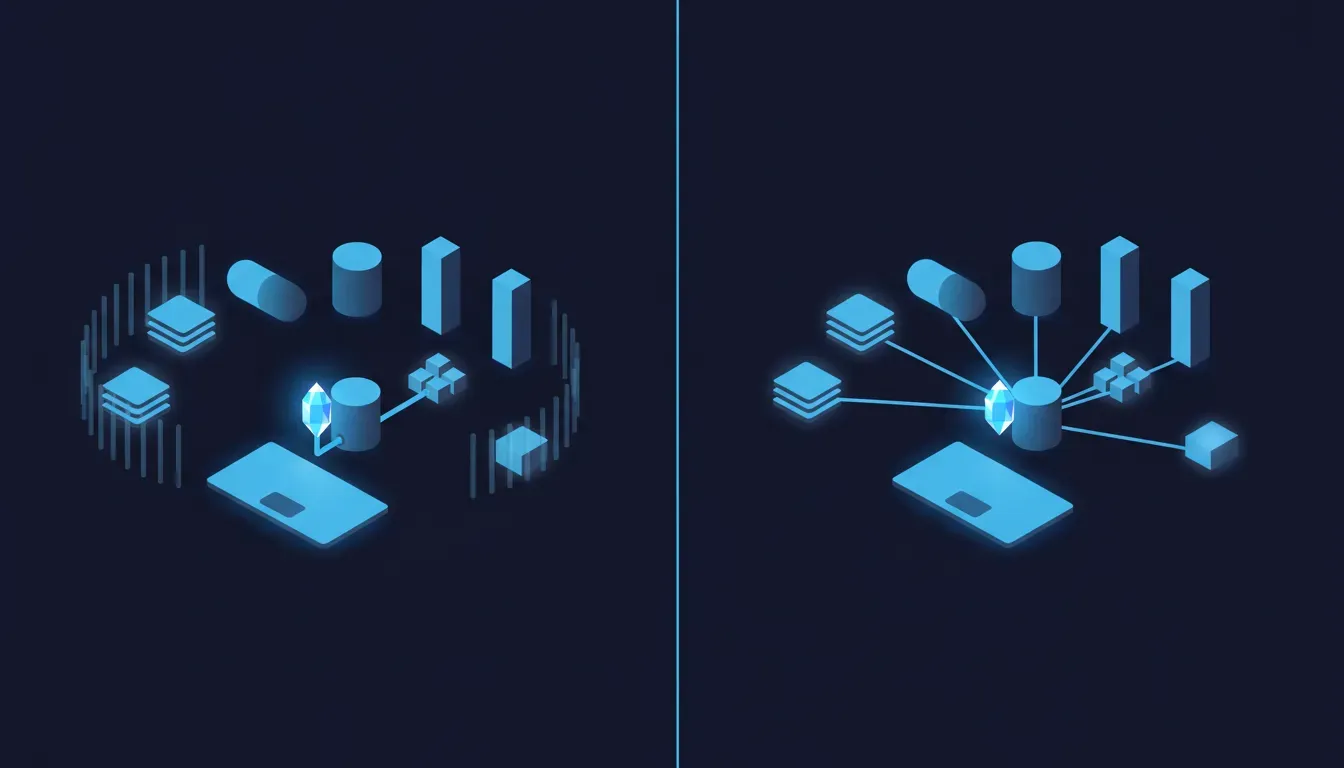
Why does a desktop agent want the whole disk?
Because it genuinely works better with it, and that is what makes this hard. macOS protects certain places by default: Mail, Messages, Safari data, some system folders, other apps' containers. An app that has not been granted access gets refused when it tries to read them. For a backup tool or an antivirus scanner, refusal is a broken product, which is why Full Disk Access exists. For an AI agent whose pitch is "I can find anything and act on it", refusal is a worse demo. So agents ask, the request appears as a system prompt or a set of instructions pointing at System Settings, and the person at the keyboard is deciding between "the thing I just installed works" and "the thing I just installed is less useful". That is not a security decision anybody would make well under those conditions. It is a productivity decision with a security consequence that the person never sees.
- Desktop agents and assistants that index your files, read your mail or act across apps. This is the category Apple is pointing at.
- Coding agents run from the terminal. On macOS, command-line tools generally work under the permissions of the terminal app that launched them. If a developer once gave their terminal Full Disk Access to fix an unrelated annoyance, every agent they run inside it can inherit that reach without ever asking.
- Automation and scripting tools that staff wire to an AI model to save time. Each one is reasonable on its own. Together they are a list of programs with whole-machine access that nobody wrote down.
- Legitimate tools that should have it: backup, endpoint security, device management. The point is not that Full Disk Access is bad. It is that it should be a short, known list.
The detail that changes who is exposed
Full Disk Access on a work laptop does not only expose the employee. It exposes everyone in their mail and messages: clients who sent contracts, suppliers who sent pricing, colleagues who sent salary details, customers who replied to a support thread with an address and an order number. Apple's notice makes exactly this point about communication apps. None of those people chose the agent or were asked. That turns a personal settings decision into a data-handling decision the business is accountable for, in the same way the AI notetaker nobody approved recorded people who never agreed to it.
If you manage your Macs, isn't this already handled?
Partly, and it is worth being precise because the answer cuts both ways. Apple's device management framework includes a Privacy Preferences Policy Control payload, and on supervised Macs it lets an administrator pre-approve Full Disk Access for named apps, which is how businesses deploy backup and security tools without asking every user to click through. So a managed fleet can make this a deliberate, central decision. Two things are true at the same time, though. First, the same mechanism means your device management may already be granting it, and it is worth reading the profile rather than assuming it is tight. Second, management controls what the business grants; on many setups the user can still grant Full Disk Access to an app they installed themselves, and most small and mid-sized businesses either have no device management on their Macs or have it enrolled and never configured. The honest default is that nobody has looked.
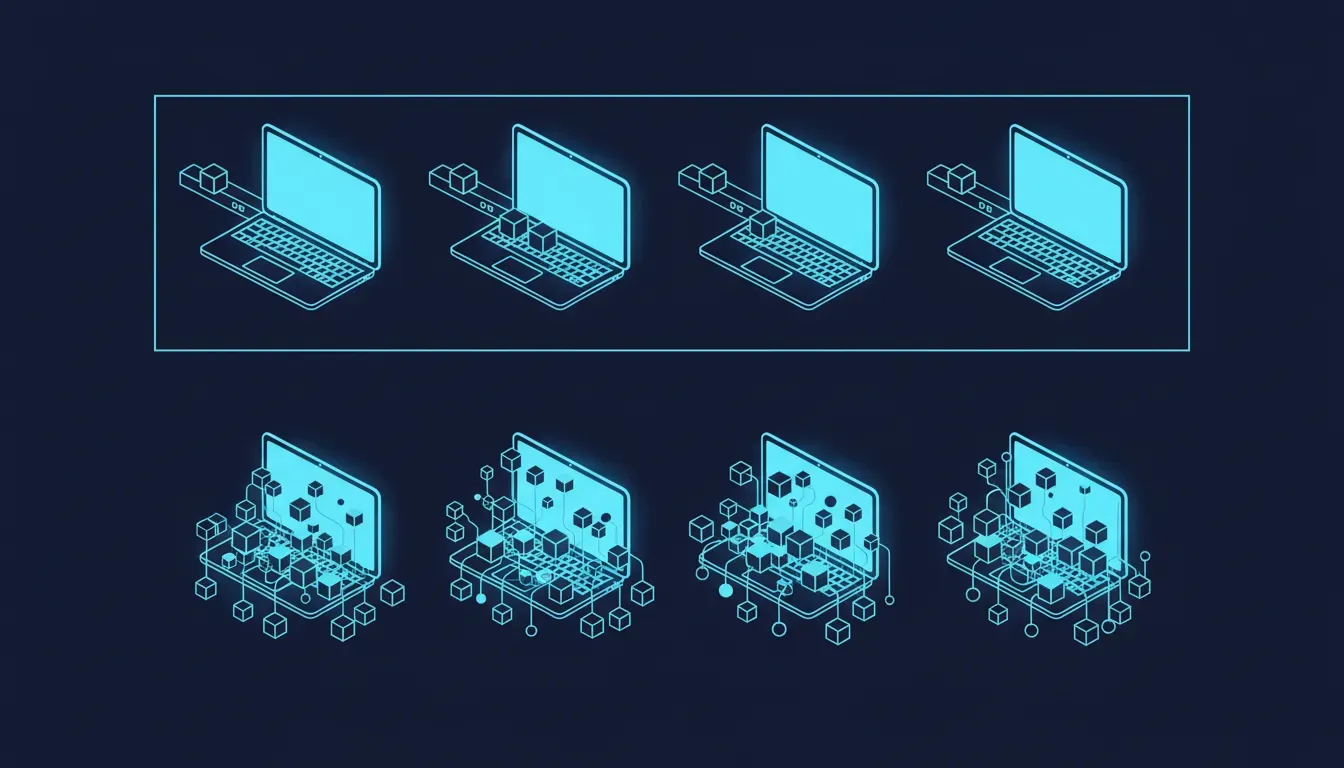
The two conclusions that both get this wrong
Ban desktop agents on company Macs
The reflex, and it fails the same way it has every time. The productivity is real, so a ban moves the agents onto personal laptops that then hold company mail through a browser session, or into personal accounts on the same machine, outside anything you can see or revoke. You have not reduced the exposure. You have stopped being able to measure it. The useful version of caution is narrower: decide which agents may run, decide what they may reach, and make whole-machine access the exception that needs a reason.
Apple is fixing it, so wait for the update
The comfortable error. Apple's change is about how the permission gets granted from now on. It has not said a word about the grants already in place, and those are the ones holding your data today. A stricter consent screen also does not change the underlying trade: a person who needs the agent to work will still click through, just more deliberately. And the most important case on a developer's laptop, an agent inheriting the terminal's access, may never trigger a new prompt at all. The update is good news. It is not an inventory.
What is worth doing this week?
- Look at the list on a handful of machines. On any Mac it is in System Settings, under Privacy & Security, then Full Disk Access. It takes thirty seconds per laptop. Start with the people whose mail is most sensitive: finance, leadership, anyone handling client contracts or customer data.
- Sort what you find into three piles. Tools that should have it (backup, security, device management). Tools that might have a case but nobody can explain. And tools that should not have it, which is usually where the AI assistants and the terminal apps end up.
- Check the terminal specifically on developer machines. If a terminal app has Full Disk Access, every coding agent run inside it is effectively holding the whole machine. Most developers granted it once to fix something else and forgot.
- If you have device management, read the privacy profile. Confirm which apps it pre-approves and that each one is on purpose. If you have device management enrolled but no privacy profile at all, that is the gap to close.
- Give the agents that matter a scoped way to do their job. If someone gave an assistant the whole disk so it could read one shared folder or one inbox, the fix is to give it that folder or a properly scoped connector, not the machine.
- Write a one-line rule and tell people. Something like: AI tools may not be given Full Disk Access on a company machine without a named approver. Short, findable and specific beats a policy document nobody opens.
The genuinely encouraging part
This is one of the cheapest agent risks you will ever close. Most of what we write about on this blog needs a vendor to change something, a protocol to settle or a log you do not have. This one is a visible list on every Mac, a decision about each line on it, and in a managed fleet a profile that enforces the decision from then on. It is also the first time the platform has moved in your direction: Apple is about to make the default grant harder and more explicit, which means the work you do now will not be quietly undone by the next install. An afternoon of looking, a short list of allowed tools, and the most sensitive data on your laptops stops being available to whatever a member of staff installed last Tuesday.
Where we fit
Almost nobody gives an agent the whole Mac because they want an agent with the whole Mac. They do it because there is one job they want off their plate, reconciling an inbox against a spreadsheet, filing documents into the right folders, drafting replies from a shared mailbox, and the agent asked for everything to do it. That is the real problem underneath the permission, and it is the one the AI Ops Automation Sprint solves. We take the workflow your team is already trying to automate with a desktop agent, build it properly with access scoped to exactly the mailbox, folder or system it needs, put a named owner and a credential against it, and leave it running with logging so you can see what it did. Your team gets the time back that made them reach for the agent in the first place, and the laptops go back to holding nothing a stranger's software can read. While we are in there, we will walk the Full Disk Access list with you so the inventory is done once and done right.
Sources
- Apple Developer — Updates to Full Disk Access in macOS (2 October 2026, the primary announcement: the risks to files, mail, messages and browsing history, the point about communication apps exposing the people a user talks to, the AI agents rationale, and the commitment to require explicit user action)
- TechCrunch — Apple says it's tightening macOS 'Full Disk Access' controls due to new risks from AI agents (2 October 2026, for the context of Meta's Muse and the reported ChatGPT for Mac flaw, and confirmation that no timeline was given)
- MacRumors — Apple Announces 'Full Disk Access' Changes on macOS Due to AI Agents (2 October 2026, independent write-up confirming the wording and that the implementation date and handling of existing grants were not disclosed)
- The Hacker News — Apple Plans Tighter macOS Full Disk Access Controls Over AI Agent Data Access (for the Muse iMessage episode and Meta's position that both Full Disk Access and an enabled Messages connector were required)
- Apple Platform Deployment — Privacy Preferences Policy Control payload settings (for how device management can pre-approve Full Disk Access on supervised Macs, and which permissions it can only deny)
- Apple Support — Change Privacy & Security settings on Mac (where the Full Disk Access list lives on any Mac)
- JTS Tech Services — Your newest coworker has its own computer (1 October, the cloud counterpart to this post: agents that run on the vendor's machine rather than yours, and why the controls sit in your employees' settings)
- JTS Tech Services — The AI notetaker nobody approved (on the earlier version of this pattern: a tool one person chose that exposed people who never did)