Written by Jeremy Souffir Founder, JTS Tech Services

The direct answer first. On 4 November 2026 Microsoft Clarity, Microsoft's free website analytics product, announced three things on its blog. First, an Agent Activity dashboard that shows how agent traffic to your site changes over time, which AI agents visit, and what they do once they arrive: searches, form submissions, logins, downloads, appointment bookings and checkout. Second, simulation assessments, which let you send an agent through an important task on your own site and see whether it finished, how long it took, how many interactions it needed and where it stalled, starting with commerce and travel scenarios. Third, an expansion of Brand Agents, under which the products of eligible Shopify and WooCommerce merchants can appear in Microsoft Copilot, Bing and MSN when a shopper asks an AI for a recommendation, with the purchase completed on the merchant's own website. A fourth item, Ask Clarity, lets you ask questions about your site's behaviour in plain language and is in closed beta for retailers. Microsoft says weekly sessions from AI agents on Clarity sites nearly doubled in three weeks to almost 2 million, and a study it published on 29 October found checkout recorded in about 25% of sessions involving an agent against about 15% of human sessions. If you run a store, this is the first free tool from a major platform that answers a question you have not been able to answer until now: are agents actually on my site, and can they buy? The honest caveats are that the dashboard's supported operators are Google, OpenAI and Anthropic, that Clarity cannot yet separate the agent's part of a session from the human's, and that the product-discovery side publishes a copy of your catalogue to Microsoft Merchant Center the moment you accept its terms.
What did Microsoft actually ship?
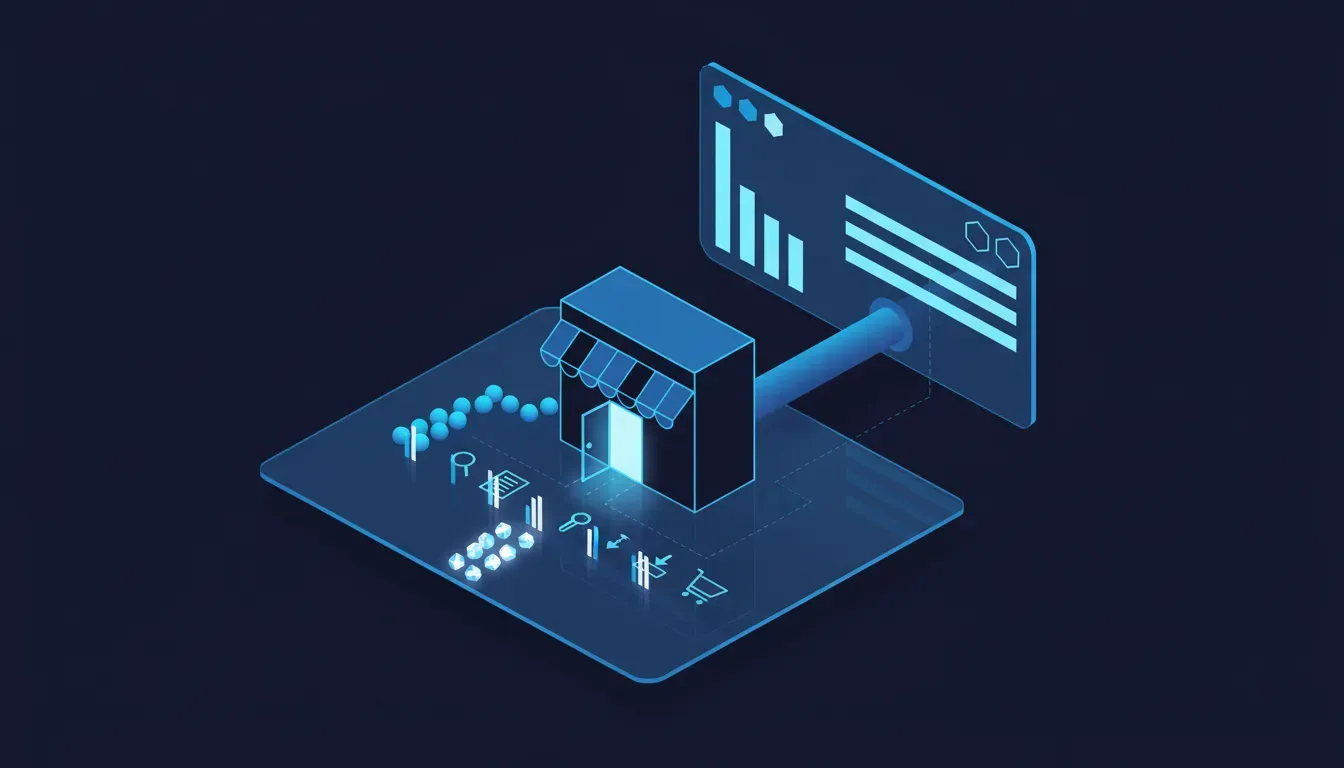
Clarity is a free session-recording and heatmap tool that Microsoft says runs on millions of sites; on Shopify it installs as an app from the App Store. The 4 November post, written by Nabil Naghdy, Microsoft AI's director of product management for the product, frames the release as three webs, the agentic web, the LLM web and the human web, with one feature for each. In Microsoft's own terms:
- Agentic Analytics. The Agent Activity dashboard shows how agentic traffic changes over time, which agents visit your site, and what they do once they arrive, ranging from searches and form submissions to logins, downloads, appointment bookings and checkout. Microsoft's footnote says the supported agents at this time include Google, OpenAI and Anthropic agent operators.
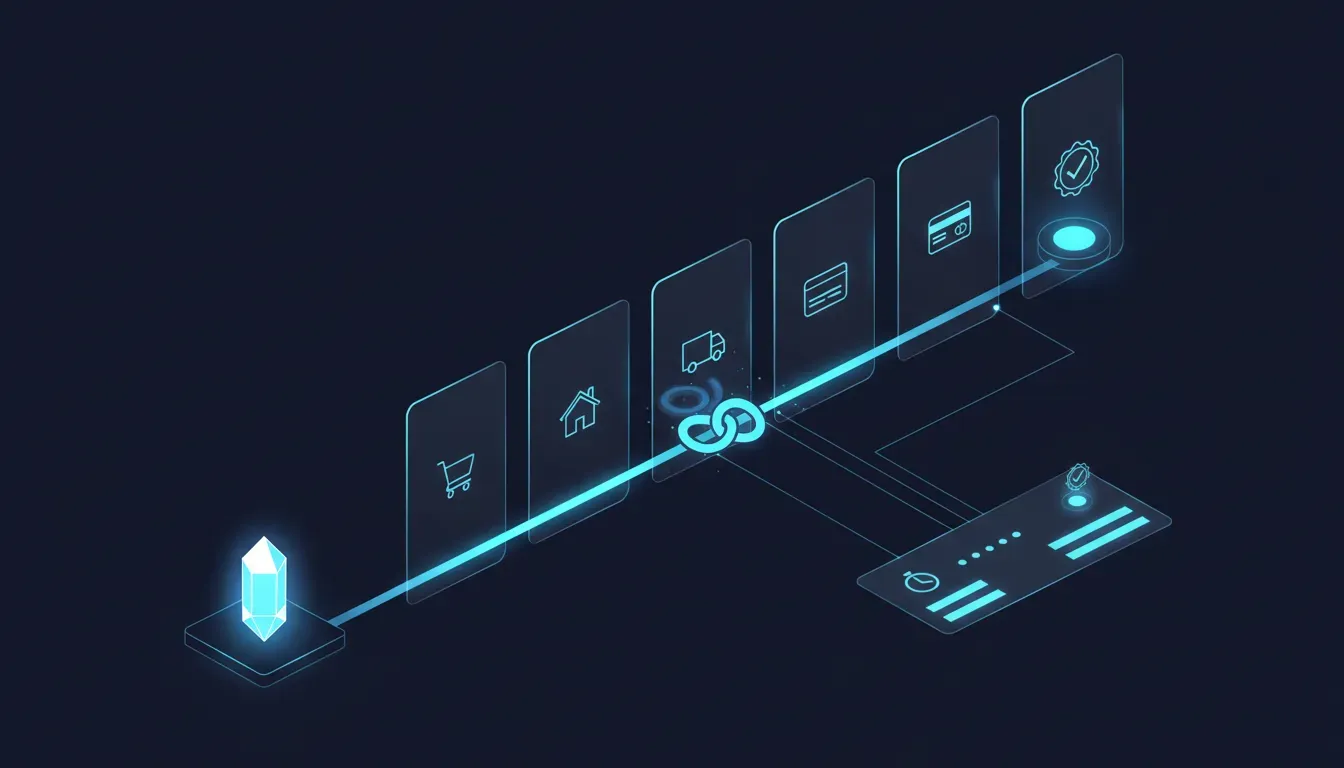
- Simulation assessments. You can test how effectively agents can complete important tasks on your website before a real customer journey fails. A simulation reports whether the task was completed, how long it took, how many interactions it required, and where the experience could be improved. Microsoft is starting with commerce and travel scenarios and plans to add more kinds of journey over time. The post does not say which agent runs the simulation.
- Brand Agents. This began as a shopping assistant on your own site, grounded in your live catalogue, shipping and return policies and brand voice. The new part is distribution: for eligible WooCommerce and Shopify merchants, products can appear across Microsoft Copilot, Bing, MSN and more when shoppers ask AI for recommendations, and the shopper then completes the purchase on the merchant's website. Existing Brand Agents users need no additional catalogue upload or configuration, and a merchant can choose to use it only for discovery and not run the on-site assistant at all.
- Ask Clarity. Ask a question about how people use your site and get an answer backed by session recordings. Closed beta for retailers, with a waitlist. Microsoft plans to extend it to AI visibility and advertising data later.
- Availability. The post says the new capabilities are available globally to all Clarity users, and that Clarity is free. The same post says Ask Clarity is in closed beta and Brand Agents is for eligible merchants, and Microsoft Learn says Brand Agents is currently in beta and available for Shopify and WooCommerce websites, not mobile apps. Read globally as the dashboard and simulations; the other two are gated.
What does the study behind it say, and what does it not?
The dashboard arrived with a study. On 29 October Clarity published an analysis of 5.23 million sessions involving AI agents, recorded across 230,511 Clarity projects between 13 August and 9 September 2026, and declared the Agent Activity dashboard generally available for projects with agentic traffic. The agent ecosystems it named were OpenAI, Google and Anthropic. The headline comparisons, as reported by PPC Land, are these: checkout appeared in 25.21% of sessions involving an agent against 14.65% of human sessions on the same sites; on-site search in 7.16% against 4.79%; form submission in 19.85% against 18.56%; and outbound clicks in 14.28% of agent sessions against 26.99% of human ones. Logins were slightly lower for agents, 6.83% against 8.84%. Read as a merchant, the shape is clear enough: a session with an agent in it searches more, leaves less, and reaches the checkout far more often than a person browsing alone. That matches what Shopify told investors on 3 November about AI-referred sessions converting better than organic search, and what we reported in July about AI-referred shoppers converting nearly 50% better.
Whose numbers these are, and the two caveats Microsoft puts on them
These are Microsoft's figures from Microsoft's own tool, and the study itself says that because Clarity cannot currently separate the agent and human portions into different sessions, the findings describe activity recorded during sessions involving agents, not actions an agent completed on its own; an agentic-classified session may also include a human handoff. So 25% is checkout appearing somewhere in a session an agent took part in, which is not the same as agents buying a quarter of the time. PPC Land also points out that the published counts divide out to roughly 1.2 million sessions rather than 5.2 million, and Microsoft has not explained the gap. Treat the comparisons as directional. The direction is still the useful part: the agent sessions on your site are the ones most likely to be at your checkout.
Which agents does it see, and which does it miss?
This is the part to read twice. Microsoft's footnote says the supported operators include Google, OpenAI and Anthropic. That covers the agents those three labs operate, which is most of what reaches a store today: Gemini's, ChatGPT's agent mode, Claude's. Two names are missing. Microsoft's own Copilot, including the Copilot checkout path Microsoft announced for merchants in January, is not listed as a supported operator in a Microsoft product. Neither is Meta's Muse, which the post itself names as an example of the agents people now send to websites, and which we wrote about on 23 September when it got Shop Pay on every Shopify store. Microsoft does not say what happens to a visit from an agent that is not on the list, whether it is counted as human, dropped, or shown unlabelled, so we are not going to guess. What we can say is that a dashboard that counts three operators is a floor on your agent traffic, not a total. And there is a second, larger gap that is not a Clarity limitation at all. Our reading, and it is our reading: Clarity sees an agent only when that agent loads your page in a browser. An order placed through Google's direct checkout inside AI Mode or Gemini, the one we covered on 5 November, never loads your storefront; it goes through the checkout protocol straight to your order system, and Shopify's own help page says your analytics will not fire. Clarity will not see those either. So you now have one tool that sees the agents that browse, and no tool that sees the agents that buy without browsing. Both are growing.
What is a simulation worth to a store?
More than the dashboard, in our view, because it answers the question before the traffic does. On 26 September we covered a study in which agents finished 96% of tasks on an accessible version of a site and 31% on the least accessible one, and on 6 November we covered Visa's finding that the agent gets the shopping decision wrong a little under half the time. Both of those were somebody else's sites and somebody else's agent. Clarity's simulation is the first mass-market tool that runs the test on yours: send the agent to buy a product, and read whether it got through your variant picker, your address form, your delivery options and your payment step, and if not, where it stopped. The output is modest, completed or not, time, interaction count, a place to improve. It is also exactly the list a developer needs. Two limits. Microsoft does not say which agent performs the simulation, so a pass is a pass for that agent on that day, not a certificate. And it starts with commerce and travel scenarios only, which for a store is fine, and for a B2B site with a quote form is not yet.
What does the product side actually do, and what does it cost you?
Brand Agents is the part most likely to be switched on in a hurry, so here is what the documentation says rather than what the announcement implies. Microsoft Learn's configuration page, updated in July, contains one sentence that matters: by accepting the Brand Agents terms, you consent to having your catalogue published to Microsoft Merchant Center, and this enables your products to be discovered through Bing and Copilot. The 4 November post adds MSN and more; the Learn pages list Bing and Copilot. On Shopify the route is the Microsoft Clarity: AI Insights app, the Clarity script switched on in app settings, then Clarity with Brand Agents. It is in beta, you are approved into it rather than simply joining, and it is for Shopify and WooCommerce websites only. No price is stated anywhere we can find. Nothing here is sinister. A copy of your catalogue in Merchant Center is what every Microsoft Shopping advertiser already has, and discovery in Copilot with checkout on your site is the model we argued for on 29 July, when the data showed AI shoppers convert best when they land on your page. It is still a feed you did not build and did not review, created from a live catalogue sync, and it will carry whatever your product data says today, including the gaps Visa's benchmark said agents do not ask about.
We'll install it and the numbers will tell us what to do
The dashboard tells you an agent searched, reached checkout and left. It does not tell you why, and it does not separate the agent from the person who took over halfway. Without the simulation, and without someone reading the session recording the way the agent read the page, the number is a worry you can look at every morning. The same post warns, in Microsoft's words, that you should test how effectively agents can complete tasks before a real customer journey fails. The test is the product. The dashboard is the alarm.
Our agents are counted in Google Analytics already
They are not, or not by name. On 14 October we showed ChatGPT's clicks reaching stores with no referrer and landing in the direct bucket. Agent sessions in standard analytics look like a fast, odd human or like nothing at all. Clarity is the first mainstream tool that labels the operator, and it is free. It still only labels three.
What should you do this week?
In order, and none of it costs money.
- If Clarity is already on your store, open the Agent Activity dashboard before you do anything else. The study period ran from mid August, so you may already have ten weeks of agent sessions to look at. Note the share of sessions involving an agent, and which of the three operators they come from. That is your baseline, and it is a floor.
- If it is not installed, install it. On Shopify it is the Microsoft Clarity: AI Insights app with the Clarity script switched on in the app's settings; on WooCommerce it is the plugin. It is free and it takes a few minutes. You do not have to accept the Brand Agents terms to get the dashboard and the simulations; stop at Clarity without Brand Agents if you want the measurement without the feed.
- Run a simulation on the journey that makes you money. Buy your best-selling product, as a guest, with a variant and a delivery choice. Read the four outputs: finished or not, time, interactions, where it stalled. If it stalled, that step is your to-do list, and it is probably the same step that fails for a shopper on a phone.
- Read one agent session recording end to end. Not the summary, the recording. Watch what it clicked, what it searched for, and where it hesitated. On 26 September we explained that agents work from the same structure a screen reader uses; a recording of one is the cheapest accessibility audit you will ever get.
- Decide the Brand Agents question deliberately, not in the install flow. Before you accept, read your catalogue as a feed: are the prices current, the stock right, the returns window stated, the compatibility facts in text? That is what Merchant Center will receive and what Copilot will repeat. If the answer is no, fix the catalogue first; the feed syncs live, so it will pick the fixes up.
- Count the agents it cannot see. If you are in Google's direct checkout, as a Canadian Shopify store may already be, those orders arrive with no session at all. Open the Agentic channel in Shopify and put its order count beside the Clarity dashboard. The sum of the two is closer to your real agent traffic than either alone, and still not all of it.
- Put a date in the diary to re-run the simulation after every theme or checkout change. The simulation is a pass for one agent on one day. Checkout apps, theme updates and new payment options are the usual way a journey that worked stops working for a machine.
The encouraging part
For the first time a store can see its agent traffic without building anything, and can test the journey for free before a customer's agent fails it. The checkout figure in Microsoft's study, directional as it is, says agent sessions are the ones most often at the till. The simulation says where they get stuck. Between them that is a to-do list, in order of revenue, from a tool that costs nothing. Three operators is not the whole picture, and no tool sees the orders that never load your page. But a floor you can read beats a total you have to imagine.
Where this fits with what we have already covered
On 29 July we reported that AI shoppers convert nearly 50% better when they finish on your site, which is the model Brand Agents uses. On 26 September we showed agents finishing 96% of tasks on an accessible page and 31% on an inaccessible one, which is what a simulation is for. On 29 September we covered Shopify handing agents a real set of checkout controls through WebMCP. On 14 October we showed ChatGPT's visits arriving in your analytics as direct, which is the measurement gap Clarity partly closes. On 5 November we covered Google's direct checkout for Canadian shoppers and the orders no pixel sees, which is the gap it does not. And yesterday we covered Visa's benchmark of how often the agent gets the decision wrong. This post is the tool that, for three operators and the sessions that load your page, finally lets you watch.
Where we fit
Our free AI Shopping Visibility Audit is the human half of what Microsoft just automated. You give us a store URL and an email address; within three business days you get a prioritised report of what AI shopping agents can actually see and do on your store, from the catalogue facts they read to the steps in the journey where they stall, and what to fix first. A simulation tells you the agent stopped at the third pane. The audit tells you why, what it was reading when it stopped, and whether the same gap is costing you in ChatGPT, Gemini and Copilot at once. No sales call. If the report leads somewhere, the fix is our AI Shopping Visibility service, powered by our own CortexCommerce platform, whose CortexGuard app is live on the Shopify App Store.
Sources
- Microsoft Clarity: Agents act, LLMs recommend, and people browse. Microsoft Clarity connects all three journeys. (Nabil Naghdy, 4 November 2026; the Agent Activity dashboard description, the supported-operator footnote, the simulation outputs and the commerce and travel scope, Brand Agents discovery across Copilot, Bing and MSN with purchase on the merchant's site, the no-additional-upload line, Ask Clarity's closed beta, the almost 2 million weekly sessions figure, and the 5.23 million sessions across 230,511 projects footnote)
- Microsoft Advertising: What's new in Microsoft Clarity: Agent insights, faster answers, and AI discovery (Nabil Naghdy, Director of Product Management, Microsoft AI, 4 November 2026; the Agent Activity, Conversational Analytics and Brand Agents descriptions and the non-human traffic line, which cites NBC News)
- Microsoft Learn: Configure Brand agents (updated 17 July 2026; the sentence consenting to catalogue publication to Microsoft Merchant Center, discovery through Bing and Copilot, beta status and approval wording)
- Microsoft Learn: Install Brand agents from Shopify (updated 17 July 2026; the Microsoft Clarity: AI Insights app route, Shopify and WooCommerce websites only, not mobile apps)
- PPC Land: Checkout appears in 25% of AI agent sessions vs 15% for humans, Clarity finds (Luis Rijo, 1 November 2026; the 29 October study, 25.21% against 14.65%, 7.16% against 4.79%, the form, outbound-click and login rows, the cannot-separate-sessions caveat, the general-availability line and the denominator arithmetic)
- PPC Land: Microsoft Clarity puts Shopify and WooCommerce products in Copilot and Bing (Luis Rijo, 5 November 2026; the Merchant Center reading of the terms, the three-operator reading of the footnote and the eligibility questions)
- Search Engine Roundtable: Microsoft Clarity Gains Agentic Analytics & Ask Clarity (Barry Schwartz, 4 November 2026; the day-of summary of the three features)
- JTS Tech: AI checkout moved back to your website, and those shoppers convert nearly 50% better (29 July 2026; discovery in the assistant, purchase on your site)
- JTS Tech: Agents read your site like a screen reader (26 September 2026; 96% against 31%)
- JTS Tech: Your Shopify store is already an agent API (29 September 2026; WebMCP at checkout)
- JTS Tech: ChatGPT's visits now arrive as direct (14 October 2026; the referrer gap)
- JTS Tech: Google's checkout landed in Canada, shoppers first (5 November 2026; direct checkout orders that analytics does not see)
- JTS Tech: The agent got it wrong and bought anyway (6 November 2026; Visa's benchmark)